Club Tourism Web Coupon
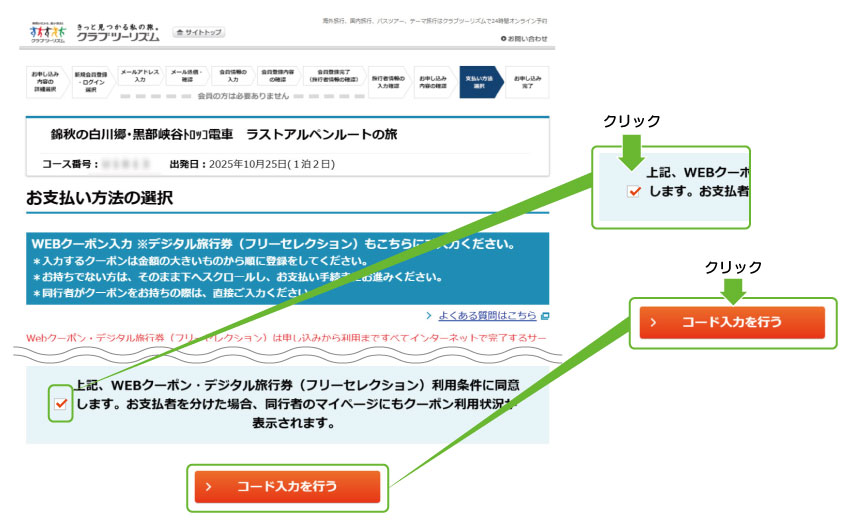
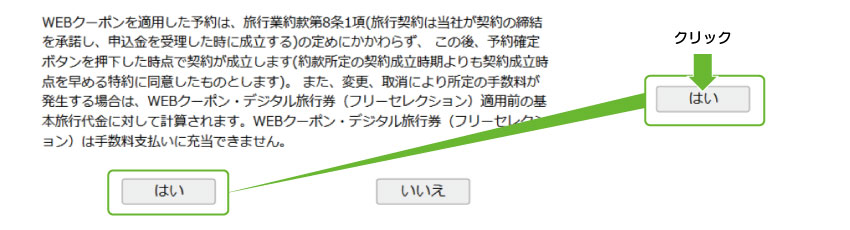
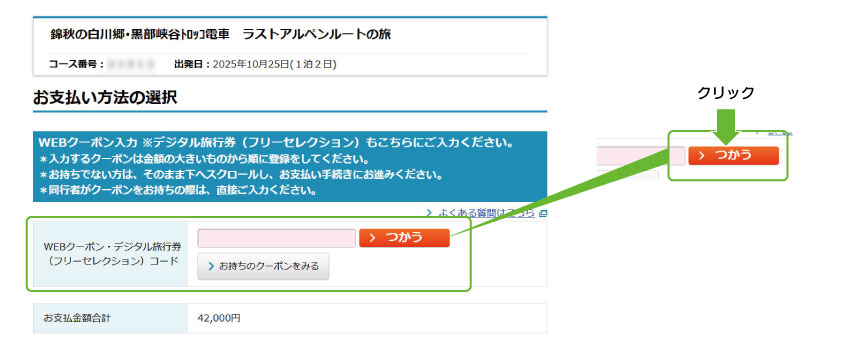
Club Tourism distributes coupons that can be used when applying online for overseas and domestic tours. Use the coupons to enjoy great deals on your trip!
Coupon giveaway now available!
Campaign List
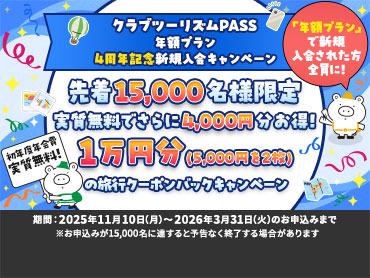
クラブツーリズムPASS 年額プランキャンペーン
Campaign periods and coupon code acquisition methods vary depending on the campaign.
Please check each special feature page for details.
Types of coupons and how to obtain them
共通クーポン
どんなクーポン?
クーポンコードを取得された方は期間限定でどなたでもご利用可能なクーポンです。
誰が使えるの?
代表者様、同行者様ともにクーポンを同時にご利用いただけます。
取得方法は?
当社発行のパンフレットなどでご案内します。
ユニーククーポン
(および近畿日本ツーリスト発行クーポン)
どんなクーポン?
当社のご旅行やキャンペーン等にご参加いただいたお客様だけが取得できるクーポンと、近畿日本ツーリストがお客様だけに発行したクーポンがあります。
誰が使えるの?
クーポンを取得したお客様が、新規予約時に参加者の中で券面額を分配して使うことができます。
取得方法は?
当社発行のパンフレットやキャンペーン、公式SNSなどでご案内します。
(近畿日本ツーリストが発行したクーポンはお客様へ個別にご案内します)
別の旅行スタイルでも使える割引クーポン配布中
宿泊のみの旅行や、JRや飛行機とホテル・旅館を自由に組み合わせる旅行では、添乗員付きツアーとは異なるWEBクーポンをご利用いただけます。
これらの旅行タイプ向けの割引クーポンは、「近畿日本ツーリストの割引クーポンページ」でご案内しています。
-
近畿日本ツーリスト発行のWEBクーポンは、クラブツーリズムのツアーにはお使いいただけません。